
The short safety list
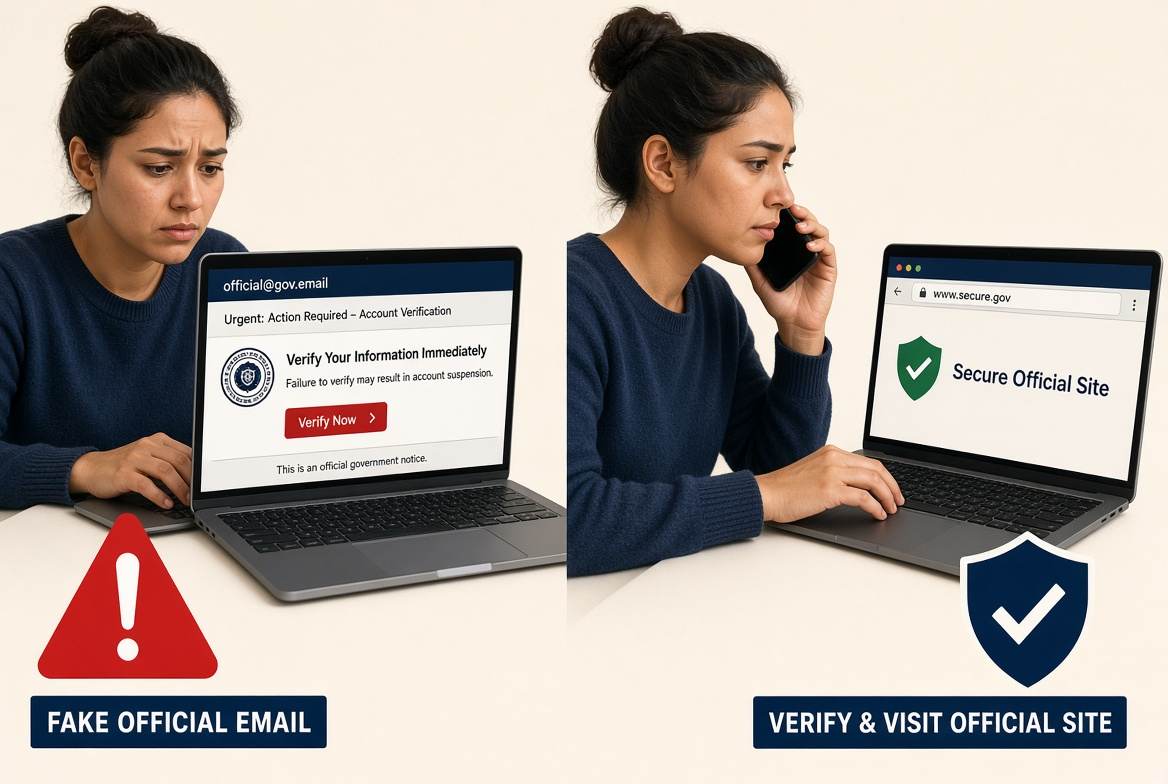
DNS on the router, never an open Wi-Fi, the number on screen can be fake, nobody collects gas cash at the door.
1. Safe DNS on the router
Open the router. 192.168.1.1 or 192.168.0.1, or the ISP app. Change the default admin password.
Find DNS / WAN DNS.
Set a known resolver. AdGuard
94.140.14.14 and 94.140.15.15. Cloudflare 1.1.1.1. NextDNS gives you two IPs.Save and reboot. On the phone you can also set Private DNS
dns.adguard.com.Fill IPv6 DNS too or devices will skip the filter.
2. No open Wi-Fi
Do not join WIFI_FREE or a twin of your home network in the lobby. Bank and tax office: mobile data.
- Turn off auto-join when you leave home.
- Random MAC / private Wi-Fi address.
- Paid VPN if you must (Proton, Mullvad). Banner “free VPN” is often the product.
3. Home network
WPA3 or WPA2, WPS off, long password, guest network for visitors and cheap IoT, Fing to see who is on, firmware updates, a boring SSID name.
4. Street
ATM, choke-grab, legal spray, 092 · Airport
Casi pico. Un vecino me mandó esta ficha. No pagué.
The pattern
Hurry + fake authority + a channel you do not control. Use the app you already have, type .gob.es, call the number on the card.
- Do not tap the SMS link.
- Never dictate an SMS code or paste a seed phrase.
- 017 INCIBE · denuncias.policia.es · hola@safe.madrid


 Unidos con Ucrania
 Club Baloncesto Ponferrada